On this page
“When will this start working?” is a fair question to ask before or just after launching Google Ads. The short answer has two parts. Your ads can appear almost immediately. Results you can rely on take longer, and how much longer depends on a few things you can estimate in advance.
The Short Answer
| Stage | Typical Timing | What Is Happening |
|---|---|---|
| Ads approved and showing | Usually within about one business day | Google reviews the ads, then they become eligible |
| First clicks and data | First days | Too little data to judge anything |
| Learning and early signals | First few weeks | You see which searches, ads and pages get a response |
| Reliable picture | One to three months for most accounts | Enough conversions to judge cost per lead or sale |
| Steady improvement | Ongoing | Testing, cutting waste and scaling what works |
TWO DIFFERENT QUESTIONS
“When will my ads show?” is answered in days. “When will I know if this is profitable?” is answered in weeks or months. Most frustration comes from expecting the second answer on the first timeline.
What “Working” Should Mean
A campaign is not working just because it gets clicks, and it has not failed just because the first week was quiet. It helps to split “working” into four checks, each with its own timing.
| Check | Question | When You Can Tell |
|---|---|---|
| Serving | Are ads showing and getting clicks? | Days |
| Relevance | Are the searches the right ones? | One to two weeks |
| Conversion | Are leads or sales being recorded? | Weeks, depending on volume |
| Economics | Is the cost per customer acceptable? | One to three months |
The First Few Days
After you launch, Google reviews your ads. Most reviews finish within about one business day, though some take longer. Until then you may see no impressions at all, which is normal.
In the first days after approval, numbers can look strange: very few clicks one day, a burst the next. Use this time for checks, not conclusions.
- Confirm the ads are approved and the campaign is eligible.
- Check that billing is set up and the budget is not blocking delivery.
- Submit a test lead or order and confirm it is tracked.
- Look at the first search terms and block anything clearly irrelevant.
If there are still almost no impressions after several days, something is restricting delivery. Our troubleshooting guide lists the usual causes.
The First Few Weeks: The Learning Period
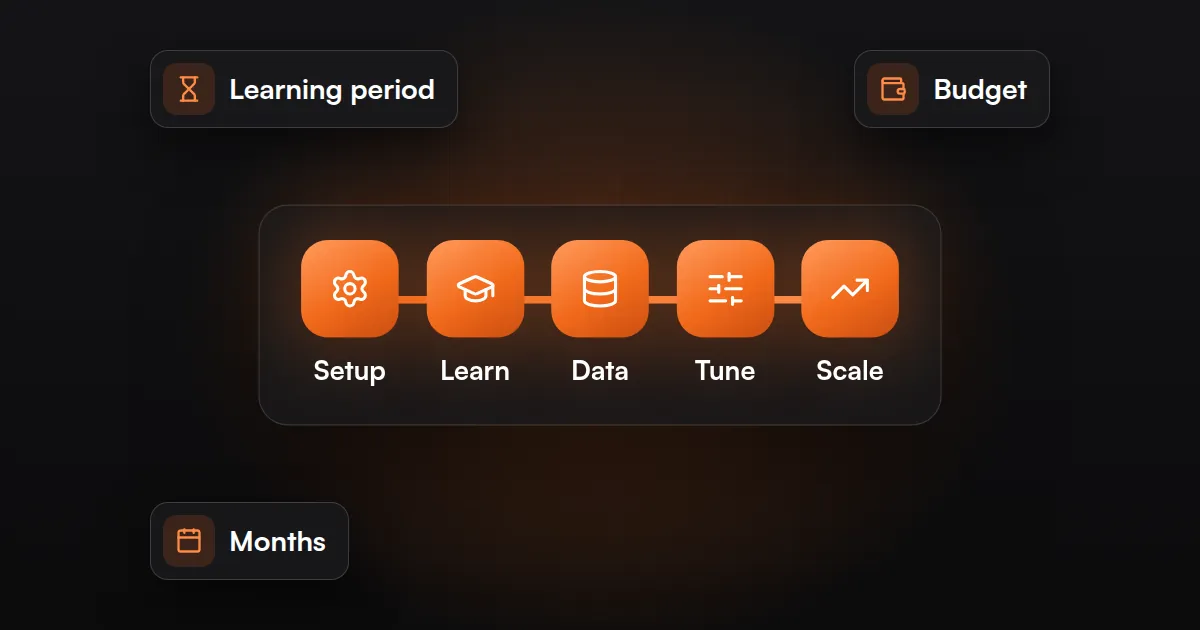
Automated bidding needs data. When a campaign is new, or after a significant change, Google shows a “Learning” status while the system adjusts. During this time performance can move up and down more than usual.
How long this lasts depends on how many conversions the campaign records and how long your customers take to convert. A campaign with frequent conversions settles faster than one with a few a month.
LEAVE IT ALONE
Frequent large changes during learning restart the adjustment. Fix clear problems, such as irrelevant searches or broken tracking, but avoid changing budgets, bids and targets every day.
Our Google Ads optimization guide covers learning status and bidding in more detail.
One To Three Months: A Reliable Picture
By this point most accounts have enough clicks and conversions to answer the question that matters: what does a lead or a sale cost, and can the business afford it?
Businesses with a long sales cycle need more time again. If a lead takes weeks to become a customer, the advertising may be working well before the revenue shows.
What Decides How Fast It Works
| Factor | Faster | Slower |
|---|---|---|
| Budget against click cost | Budget buys many clicks a day | Budget buys a handful of clicks |
| Conversion rate | Clear offer and a page that converts | Weak page or unclear offer |
| Conversion tracking | Calls, forms and sales tracked from day one | Missing or wrong tracking |
| Sales cycle | Customer decides the same day | Weeks or months to decide |
| Search volume | Many people search for it | Niche product with few searches |
| Starting point | Account with past conversion data | Brand new account |
A Simple Way To Estimate Your Own Timeline
You can estimate how long it will take to learn something useful from three numbers.
- Daily budget divided by expected cost per click gives clicks per day.
- Clicks per day multiplied by your expected conversion rate gives conversions per day.
- Divide the number of conversions you want before judging, for example 20 to 30, by conversions per day.
For example, a budget that buys 10 clicks a day at a 5% conversion rate produces about one conversion every two days. Reaching 30 conversions would take around two months. If that is too slow, the options are a larger budget, a narrower focus, or a better converting page.
The Google Ads budget calculator runs these numbers for you.
SMALL BUDGETS NEED FOCUS
A small budget spread across many services and areas gives every campaign too little data. Concentrate it on the one service and area most likely to pay back.
Does It Take Longer For Some Businesses?
| Business Type | What To Expect |
|---|---|
| Urgent local services | Often the fastest: people search and call the same day |
| Ecommerce | Depends on price, product demand and purchase tracking with values |
| Niche products | Slower: fewer searches mean slower data |
| B2B and high-value services | Slowest to judge: leads take time to become customers |
| Appointments and bookings | Quick to see bookings; no-shows and repeat visits take longer |
Performance Max campaigns also need patience. Google’s own guidance recommends allowing at least six weeks before comparing performance. See our Performance Max guide.
Signs It Is On Track, And Signs It Is Not
| On Track | Needs Attention |
|---|---|
| Search terms are mostly relevant | Many irrelevant or out-of-area searches |
| Test conversions are recorded correctly | Leads arrive but Google Ads shows none |
| Cost per conversion is falling or steady | Spend rises with no conversions over many clicks |
| Calls and forms are from real prospects | Mostly spam or wrong-fit enquiries |
If you see the right-hand column, time alone will not fix it. Start with clicks but no leads: what to check first.
How To Get Results Sooner
- Set up and test conversion tracking before launch.
- Start with the highest-intent searches for one service.
- Send each ad to a page about that exact service.
- Review search terms in the first week and add negative keywords.
- Answer calls and enquiries quickly, so early leads are not lost.
- Avoid daily changes to bids, budgets and targets.
Final Takeaway: Fast To Start, Slower To Judge
Google Ads can put your business in front of buyers within days. Knowing whether it is profitable takes enough conversions to trust the numbers, which for most businesses means weeks to a few months.
Estimate your timeline from your budget, click cost and conversion rate before you start, check each stage in order, and judge the campaign on customers and revenue, not on the first week.
GOOGLE ADS MANAGEMENT
Want A Realistic Timeline For Your Business?
JuvioX reviews your market, budget and tracking, then tells you what to expect and what to fix first. Free, with no obligation.
FAQ
Frequently asked questions
How long does Google Ads take to start working?
Ads usually begin showing within about one business day of approval. Results you can judge, such as cost per lead or sale, take weeks to a few months, depending on how many conversions the campaign records.
Is it normal to see almost no clicks in the first few days?
Yes. Ads must be reviewed first, and early delivery is uneven. If there are still almost no impressions after several days, check approval status, billing, budget, bids and targeting.
How long is the Google Ads learning period?
It varies. It depends on how many conversions the campaign records and how long customers take to convert. Campaigns with frequent conversions settle faster.
How many conversions do I need before judging a campaign?
There is no fixed number, but a few conversions are not enough. Many advertisers wait for around 20 to 30 before drawing conclusions about cost per lead or sale.
Why is Google Ads slower for niche products?
Fewer people search for niche products, so clicks and conversions arrive slowly and it takes longer to gather enough data.
Can I speed up Google Ads results?
Yes. Track conversions correctly from day one, focus the budget on one high-intent service, use a landing page that matches the ad, and remove irrelevant searches early.
How long should I run Google Ads before stopping?
Long enough to gather meaningful data, unless a clear fault is wasting money. Fix faults such as broken tracking or irrelevant searches first, then judge on cost per customer.