On this page
What Is Google Ads Performance Max?
Performance Max is a goal-based Google Ads campaign type that uses Google AI to optimize bidding, targeting, creative and attribution across Google inventory. It can serve across channels including Search, Shopping, YouTube, Display, Discover, Gmail and Maps, depending on campaign goals, assets, feeds and eligibility.
QUICK RULE
Think of PMax as a cross-channel conversion system, not as a replacement name for Search or Shopping. It has its own structure, signals, controls and reporting.
Where Can Performance Max Ads Appear?
| Inventory / channel | What the campaign can use |
|---|---|
| Search | Query-led opportunities on Google Search |
| Shopping | Product-led inventory when a Merchant Center feed is connected |
| YouTube | Video and other eligible YouTube placements |
| Display | Visual placements across the Google Display Network |
| Discover | Discovery-oriented inventory |
| Gmail | Eligible Gmail inventory |
| Maps | Location-related inventory when applicable |
Actual distribution is not something advertisers manually allocate like a media plan. Google decides where an eligible conversion opportunity exists based on the campaign goal, bidding, assets, signals and available inventory.
How PMax Decides What to Show
Performance Max is keywordless by design. Google currently describes its Search behavior as AI-based keywordless targeting: the system can use information from your campaign, website and feeds to determine relevant searches rather than requiring a traditional keyword list.
Advertisers can still steer or restrict that automation using search themes, Final URL expansion, page feeds, URL exclusions, negative keywords and brand exclusions.
JUVIOX PRINCIPLE
PMax targeting is not “no targeting.” It is machine-selected targeting informed by your conversion goals, website/feed, creative assets, audience signals and explicit controls.
The PMax Automation vs Control Framework
| Google automates | Advertiser should control |
|---|---|
| Auction-time bidding | Which conversions are primary and what they are worth |
| Cross-channel delivery | Budget and acceptable CPA/ROAS economics |
| Audience/query expansion | Search themes, negatives, brand exclusions where needed |
| Creative combinations | Quality, variety and truthfulness of supplied assets |
| Landing-page expansion when enabled | URL exclusions, page feeds and whether expansion is appropriate |
| Learning from conversion data | Tracking accuracy, CRM/revenue feedback and consent architecture |
The practical goal is not maximum control or maximum automation. It is the right boundary: automate decisions where Google has useful auction-time data and retain explicit control where brand, economics, compliance, landing pages or business logic require it.
When Should You Use Performance Max?
- You have a clear conversion or conversion-value goal.
- Conversion tracking is accurate and primary actions represent meaningful outcomes.
- You want to access incremental opportunities across Google inventory beyond a narrowly controlled Search campaign.
- You can supply strong text, image and video assets – or a high-quality Merchant Center feed for retail.
- You have enough budget and time to let the system learn.
- You can evaluate downstream lead quality or revenue rather than judging only surface-level conversions.
When PMax May Not Be the Best First Campaign
- Tracking is incomplete or the primary conversion is a weak micro-action.
- The advertiser needs extremely strict query, placement or landing-page control from day one.
- The business has very little creative or feed quality and cannot improve it.
- Budget is so constrained that the highest-intent Search demand is not yet covered.
- Lead quality cannot be measured and spam/low-quality forms are already a serious issue.
STRATEGY NOTE
For many lead-generation businesses, a strong Search foundation can provide cleaner intent control first. PMax can then expand reach when measurement and lead-quality feedback are mature enough. This is a strategic choice, not a universal rule.
How to Set Up a Performance Max Campaign
- Define the campaign objective and verify the primary conversion goals.
- Choose the Performance Max campaign type and connect Merchant Center if the campaign sells eligible products.
- Set budget and the Smart Bidding strategy around conversions or conversion value.
- Review customer acquisition settings if new-customer growth is strategically important.
- Configure location, language and other campaign settings.
- Build the first asset group around one coherent product/service/creative theme.
- Provide strong text, image and video assets; connect the correct product or page coverage.
- Add audience signals and search themes where they can accelerate learning or communicate strategic context.
- Review Final URL expansion, URL exclusions and page-feed logic.
- Apply negative keywords, brand exclusions or other controls only where a clear business reason exists.
- Publish, verify tracking and allow enough time/data before major structural conclusions.
Google currently recommends allowing Performance Max enough time to ramp up and gather data, with its general setup guidance recommending at least six weeks for meaningful performance comparison and optimization, while its lead-generation guidance notes that learning can vary by complexity and conversion volume.
Conversion Goals: The Most Important PMax Input
Performance Max can only optimize toward the success definition it receives. If the campaign is told that every form submit, page engagement and qualified sale has the same importance, the AI can optimize toward the easiest event rather than the best business outcome.
| Business model | Stronger optimization signal |
|---|---|
| Lead generation | Qualified lead, booked appointment, opportunity or value-informed lead when reliable |
| Ecommerce | Purchase value, margin-informed value where feasible, new-customer value |
| Local/store | Eligible store actions aligned to the actual objective |
| Subscription/SaaS | Qualified demo/trial plus downstream value when the sales cycle can be connected |
MEASUREMENT BEFORE MEDIA
Do not try to repair poor lead quality only with audience signals or exclusions. First confirm that the campaign is bidding toward the right conversion goal and that the tracking can distinguish valuable outcomes.
Bidding: Volume vs Value
For lead volume, conversion-based bidding such as Maximize conversions can be appropriate. When conversion values reliably represent business value, value-based bidding can help prioritize more valuable outcomes. Google specifically recommends value-based Smart Bidding for lead-generation advertisers whose objective is lead value, and conversion-based bidding when the objective is lead volume.
Targets should be realistic. A tCPA that is materially below what the market and funnel can support can restrict delivery; an unrealistic tROAS can do the same for value-based bidding.
Asset Groups: Structure Creative Around a Real Theme
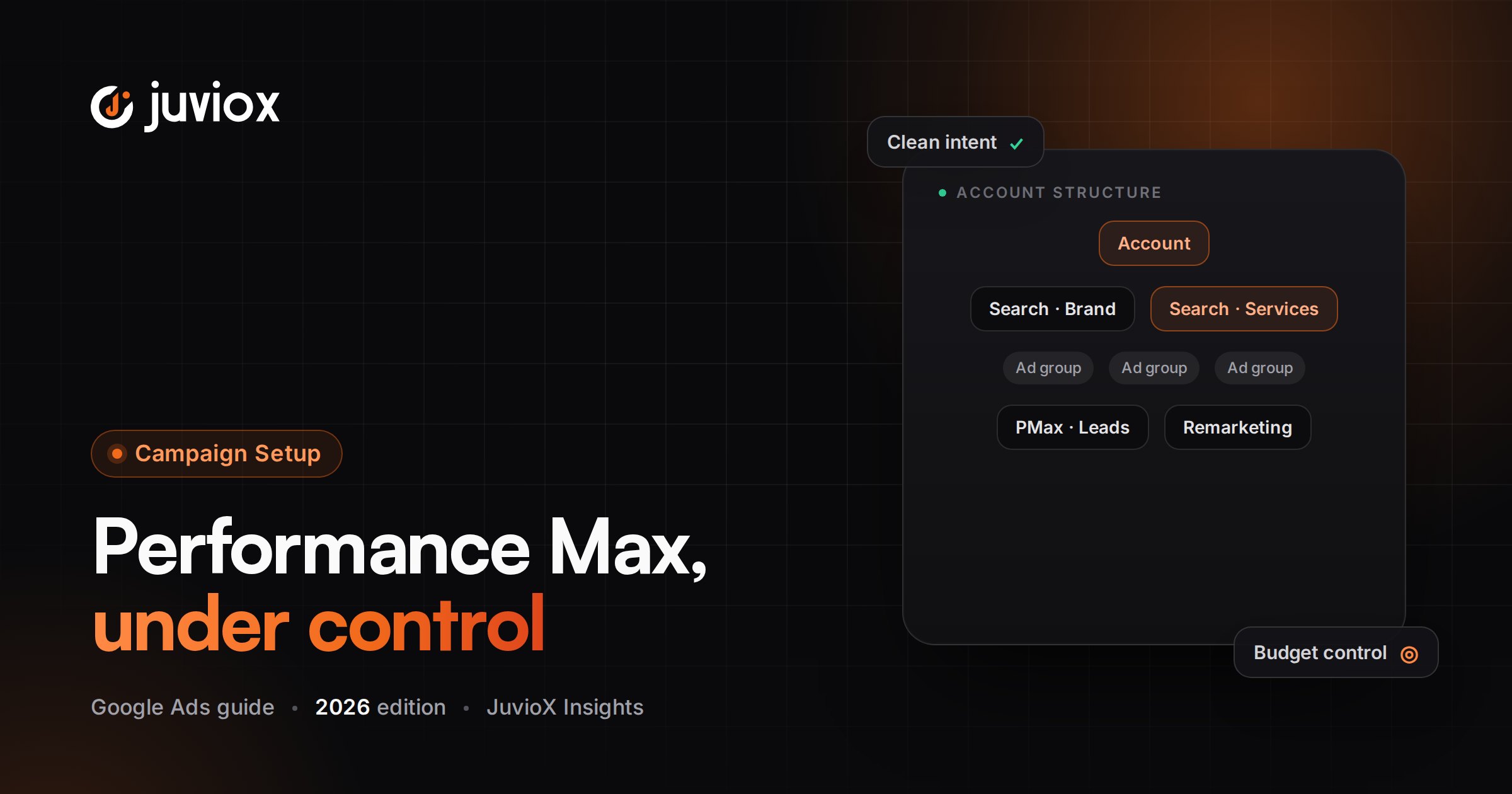
Performance Max uses asset groups rather than Search-style ad groups. An asset group combines creative inputs that Google can assemble into eligible ad formats. Google recommends building asset groups around coherent themes such as a product category, service, website section or audience/use case.
| Weak asset-group approach | Stronger approach |
|---|---|
| Every service and audience in one generic group | Separate coherent service/category themes when creative and landing pages differ |
| Duplicate groups with the same products/assets | Distinct themes or product sets with a strategic reason |
| Only minimum required assets | A broad set of high-quality relevant text, image and video assets |
| Generic homepage as destination for everything | Relevant landing pages/page coverage aligned to the theme |
IMPORTANT
An asset group is not simply an ad group renamed. It is a creative/theme container inside a campaign whose targeting and delivery are substantially automated.
Creative Assets: Give the System Enough to Work With
Google can combine headlines, long headlines, descriptions, images, logos, video and other assets across eligible formats. More variety is useful only when the assets remain relevant and on-brand.
- Write multiple distinct headlines rather than minor rewrites of one sentence.
- Use real product/service imagery where possible.
- Provide your own quality video when brand presentation matters.
- Keep claims verifiable and consistent with the landing page.
- Review asset-level reporting as directional evidence, but do not assume one asset operates independently of the combinations in which it serves.
Audience Signals: Guidance, Not a Hard Target
Audience signals help communicate who is likely to be valuable, using inputs such as first-party lists or relevant audience characteristics. They are signals to help the AI learn; they do not function like a hard audience restriction that prevents the campaign from finding conversions elsewhere.
BEST USE
Use high-quality first-party data when available. Do not build dozens of speculative audience signals and assume more inputs automatically produce better targeting.
Search Themes and Keywordless Targeting
Search themes are an advertiser input that can help Performance Max understand valuable query concepts. They are useful when your landing page or feed does not fully communicate a niche service, a new offer, a seasonal theme or language your customers use.
They do not turn PMax into a keyword-targeted Search campaign. Google still uses keywordless AI targeting and can find relevant queries beyond the themes you provide.
| Use search themes when… | Do not use them as… |
|---|---|
| You have high-value concepts the website/feed may not express clearly | A replacement for Search keywords |
| You launch a new offer with limited historical data | A way to force exact query matching |
| You know customer language from CRM/sales data | A giant dump of every keyword from Keyword Planner |
Final URL Expansion: Powerful, but Review the Boundaries
Final URL expansion is currently on by default for Performance Max. When enabled, Google can replace the supplied Final URL with another relevant page from the same domain based on user intent, and text customization can generate matching creative.
That can improve relevance and discover conversion opportunities, but it can also send traffic to pages you did not intend if the site architecture contains non-commercial or unsuitable URLs.
| Goal | Control approach |
|---|---|
| Maximize AI exploration | Final URL expansion on + search themes |
| Keep unwanted sections out | Expansion on + URL exclusions |
| Focus on a specific site section | Use URL rules/page-feed strategy |
| Only one approved conversion page | Turn Final URL expansion off and use the intended page/feed |
| Protect against undesirable searches | Use appropriate negative keywords/brand controls rather than URL rules alone |
URL RULE
Exclude careers, support, policy, blog or other non-commercial pages when they should never receive paid traffic. If you need precise landing-page control, do not leave expansion unrestricted simply because it is the default.
Page Feeds: Give PMax Better URL Context
Page feeds can provide a curated set of URLs. With Final URL expansion on, the feed helps Google verify/index relevant URLs but does not necessarily restrict delivery only to those URLs. With Final URL expansion off, Google states that the campaign will send users only to URLs provided in the page feed and asset groups.
Negative Keywords in Performance Max
Performance Max now has materially more Search controls than it did in its early years. Advertisers can use negative keywords to prevent eligible Search/Shopping traffic for specific unwanted terms, including account-level and campaign-level options where available in the current interface.
Use negatives for genuine irrelevance, brand-safety requirements, jobs/support intent or other searches that should not consume acquisition budget. Avoid using huge negative lists simply to force PMax to behave like a tightly restricted Search campaign.
Brand Exclusions vs Negative Keywords
Brand exclusions are designed for controlling branded traffic and can be more appropriate than ordinary negative keywords when the objective is to exclude a brand concept and its variations. Use them when you need to separate branded demand, evaluate incrementality or protect campaign strategy from existing-brand traffic.
DO NOT CONFUSE THE TOOLS
Negative keyword = exclude specified search language. Brand exclusion = control brand-related traffic using Google brand entities/logic. URL exclusion = stop unwanted landing pages. These solve different problems.
Performance Max for Lead Generation
Lead generation is where PMax measurement quality becomes especially important. Google explicitly notes that AI is only as good as the inputs used to define a valuable lead.
- Use accurate conversion tracking and choose the correct primary lead action.
- Prefer a funnel stage closer to revenue when enough reliable data exists.
- Use qualifying questions, server-side validation or other anti-spam controls where appropriate.
- Connect CRM/offline lead outcomes back to Google Ads when feasible.
- Use value-based bidding when lead values are trustworthy; otherwise optimize a clearly defined lead-volume goal.
- Supply strong creative and landing pages rather than relying on automation to repair weak offers.
- Review Search terms insights/reporting and downstream lead quality together.
LEAD-GEN HIERARCHY
Customer / revenue > opportunity > qualified lead > raw form submission > click. The closer PMax can learn from real business value, the less likely it is to scale cheap but low-quality conversions.
Performance Max for Ecommerce and Shopping
For retail advertisers, Merchant Center feed quality becomes a core input. Titles, descriptions, images, pricing, availability, identifiers and product categorization influence how Google understands and serves the inventory.
- Segment product groups only when economics, budget, creative or strategy justify it.
- Use listing groups to control which products are included in asset groups.
- Avoid overlapping product sets across duplicated structures without a reason.
- Evaluate ROAS together with margin, new-customer value and product-level business priorities where data allows.
- Do not treat PMax as a substitute for feed optimization.
Performance Max vs Search Campaigns
| Search | Performance Max |
|---|---|
| Primarily query-led Search inventory | Cross-channel Google inventory |
| Keywords/match types provide explicit targeting structure | Keywordless targeting guided by AI signals and controls |
| Responsive Search Ads + Search assets | Asset groups with text/image/video/product inputs |
| Strong query-level intent control | Broader discovery and cross-channel automation |
| Best when Search demand/control is central | Best when conversion goals/data/assets support broader automation |
These campaign types can complement each other. The correct mix depends on demand, measurement, budget, creative readiness and how much control the business requires.
Reporting in 2026: PMax Is Less of a Black Box
Performance Max reporting has become more granular. Google now provides a channel performance report that shows how a PMax campaign delivers across Google channels, plus a Performance Max search terms report that exposes significant search terms and related landing-page/ad-format information.
| Report / insight | Use it to answer |
|---|---|
| Channel performance report | Which channels are contributing to the campaign goal and where optimization opportunities may exist |
| Search terms report | Which significant queries triggered PMax Search inventory and how they performed |
| Search terms insights | What broader query categories/themes are emerging, including privacy-aggregated demand |
| Asset reporting | Which creative assets/asset groups are serving and directional performance signals |
| Landing-page / expanded URL reporting | Which URLs are receiving traffic/conversions when expansion is used |
REPORTING RULE
Do not use channel reporting to micromanage PMax as if it were seven manually budgeted campaigns. Use it to diagnose input, creative, feed, landing-page and goal problems while respecting the cross-channel optimization model.
How to Optimize Performance Max Without Overreacting
- Verify tracking and primary conversion goals first.
- Check whether the campaign is constrained by budget or unrealistic CPA/ROAS targets.
- Review lead/revenue quality, not only platform conversions.
- Inspect channel performance for obvious input or inventory problems.
- Review Search terms, Search themes, negatives and brand controls.
- Review Final URL expansion and landing pages for relevance.
- Improve asset variety and quality where weak.
- For retail, audit Merchant Center feed quality and product segmentation.
- Use first-party audience/customer data where appropriate.
- Make changes with enough time between them to judge impact rather than resetting direction constantly.
DIAGNOSIS BEFORE CHANGE
Poor PMax performance is not a single problem. It can be bad conversion signals, an unrealistic target, weak creative, poor feed quality, irrelevant pages, spam leads, insufficient budget, or simply insufficient learning time. Identify the broken input before adding more controls.
Common Performance Max Mistakes
| Mistake | Why it hurts | Better approach |
|---|---|---|
| Using weak micro-conversions as primary goals | AI learns to maximize easy low-value actions | Bid toward meaningful outcomes |
| Launching with minimum/generic creative | Limits useful combinations and message quality | Provide varied, relevant assets |
| Treating audience signals as hard targeting | Misunderstands how PMax expands | Use signals as guidance |
| Dumping hundreds of search themes | Creates noise rather than strategy | Use a concise set of valuable concepts |
| Ignoring Final URL expansion | Can send traffic to unintended pages | Audit URLs and exclusions |
| Using negatives to recreate Search | Over-restricts discovery | Exclude only with a clear business reason |
| Judging lead gen by raw CPL | Cheap leads may be poor quality | Use qualified lead/opportunity/CAC data |
| Making major changes every few days | Prevents stable learning/evaluation | Allow sufficient data and time |
| Ignoring feed quality for retail | Weak product data limits Shopping performance | Treat feed optimization as campaign optimization |
| Calling PMax a black box and never reading reports | Misses actionable channel/query/page insights | Use current reporting and controls |
Performance Max Audit Checklist
- Primary conversion goals represent real business value
- Conversion tracking is accurate and deduplicated
- Budget and CPA/ROAS targets are realistic
- Campaign segmentation follows genuine business economics
- Asset groups have coherent themes
- Text, image and video assets are high quality and varied
- Merchant Center feed is healthy where applicable
- Audience signals use useful first-party/relevant inputs
- Search themes are concise and strategic
- Final URL expansion setting is intentional
- URL exclusions/page feeds are configured where needed
- Negative keywords and brand exclusions have a documented reason
- Lead quality is measured beyond raw forms
- Customer acquisition settings match business strategy
- Channel performance report is reviewed diagnostically
- PMax search terms/search insights are reviewed
- Major changes are not made faster than the data can support
Final Takeaway: Performance Max Needs Better Inputs, Not More Micromanagement
Performance Max works best when the advertiser is disciplined about the things the machine cannot define for the business: what a valuable conversion is, which customers matter, which pages and products should be promoted, what the brand should say, what economics are sustainable, and which outcomes should be fed back from the CRM or revenue system.
Give Google AI high-quality data and creative freedom where it has an advantage. Apply exclusions and boundaries where the business genuinely needs control. Then use the newer channel, search-term, asset and landing-page reporting to diagnose the system instead of treating PMax as either magic automation or an uncontrollable black box.
GOOGLE ADS MANAGEMENT
Make Performance Max Work From Better Business Signals
JuvioX connects Performance Max strategy, conversion tracking, creative inputs, landing pages, product/feed data and qualified lead or revenue signals so automation has the information it needs to optimize for measurable growth.
FAQ
Frequently asked questions
What is Performance Max in Google Ads?
Performance Max is a goal-based campaign type that uses Google AI across bidding, targeting, creative and Google inventory to maximize conversions or conversion value.
Where do Performance Max ads appear?
Depending on goals, eligibility, assets and feeds, PMax can serve across Search, Shopping, YouTube, Display, Discover, Gmail and Maps.
Does Performance Max use keywords?
Not in the traditional Search-campaign sense. It uses keywordless AI targeting, while search themes can provide strategic query concepts and negative keywords can restrict unwanted searches.
What are Performance Max asset groups?
Asset groups are collections of creative inputs organized around a coherent theme, category, service, audience or website section. Google combines the assets into eligible ad formats.
Are audience signals targeting restrictions?
No. They are guidance that helps Google AI understand potentially valuable audiences; the campaign can expand beyond them to find conversions.
What are Performance Max search themes?
Search themes are optional advertiser-provided concepts that help PMax understand valuable searches, especially when the website/feed does not fully express them.
Can I add negative keywords to Performance Max?
Yes. Current PMax controls include negative-keyword options for restricting unwanted Search/Shopping query traffic. Use them deliberately rather than trying to recreate a keyword-controlled Search campaign.
What is Final URL expansion?
It allows PMax to send a user to a more relevant URL on the same domain based on intent. It is currently on by default for PMax and can be managed with URL exclusions, page feeds or by turning it off.
Should I use Performance Max for lead generation?
It can work well when conversion tracking, qualification, creative and CRM feedback are strong. Weak lead signals can cause the system to scale low-quality conversions.
Is Performance Max good for ecommerce?
It can be powerful for retail when Merchant Center feed quality, product economics, conversion value and creative inputs are strong.
Should I run Search and Performance Max together?
Often they can complement each other. Search provides explicit query-led control, while PMax can expand across Google inventory. The right mix depends on business goals and measurement.
How long should I wait before optimizing PMax?
Google recommends giving Performance Max sufficient learning time and warns against frequent major changes. Its general setup guidance recommends at least six weeks for meaningful comparison, though monitoring for tracking or spend problems should begin immediately.
Can I see which channels PMax uses?
Yes. Google now provides a channel performance report for Performance Max that shows delivery and contribution across channels.
Can I see Performance Max search terms?
Yes. Google provides a PMax search terms report for significant queries, along with Search terms insights for broader query categories and privacy-aggregated patterns.
10 sources & references
- Google Ads Help - Create a Performance Max campaign
- Google Ads Help - How to create a Performance Max campaign
- Google Ads Help - Search targeting & controls for Performance Max
- Google Ads Help - How keywordless targeting works
- Google Ads Help - Common AI-based controls combinations for Performance Max
- Google Ads Help - About Final URL expansion in Performance Max
- Google Ads Help - Build an asset group
- Google Ads Help - Performance Max best practices for lead generation
- Google Ads Help - About the channel performance report for Performance Max
- Google Ads Help - About the search terms report in Performance Max