On this page
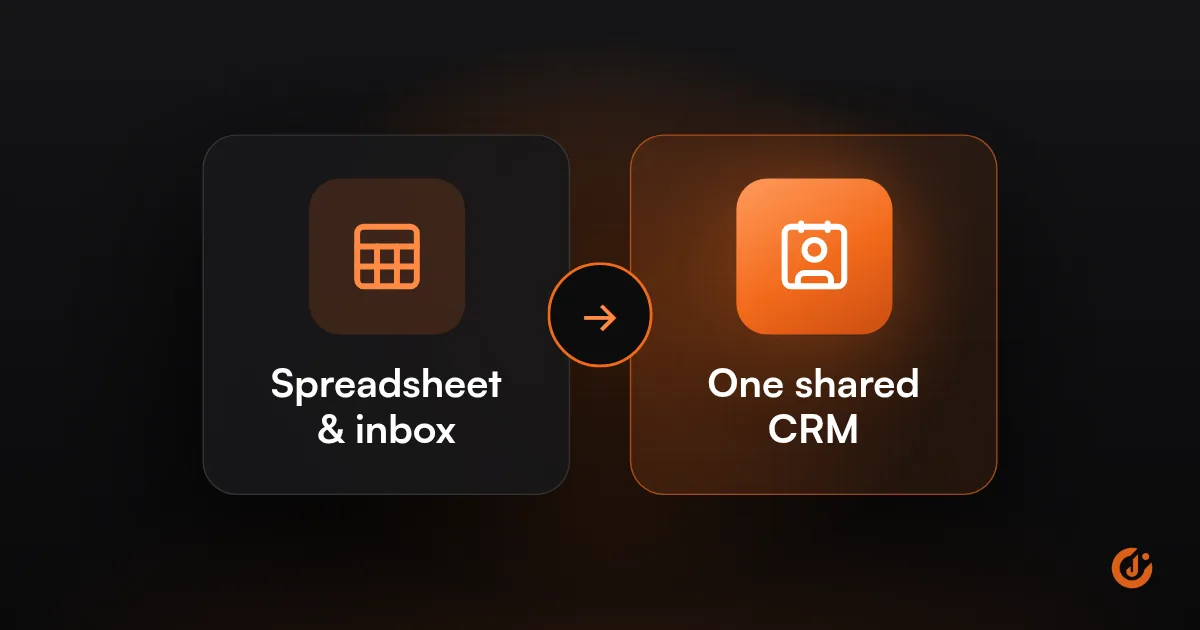
You need a CRM when leads and customers no longer fit in your head, inbox or a spreadsheet: follow-ups are missed, more than one person sells, or you cannot see where deals stand. A CRM stores every contact, conversation and next step in one place. A very small business can start with a spreadsheet.
If you are asking “do I need a CRM,” you may be hoping the answer is no. Sometimes it is. A CRM is a tool for a specific problem, and plenty of small businesses buy one before they have that problem. This guide helps you tell which side you are on.
What Is a CRM?
A CRM (customer relationship management system) is software that keeps every lead and customer in one shared place, along with the history of your contact with them and the next step you owe them.
In practice a CRM has four parts:
- Contacts: people and companies, with phone, email, source and notes.
- Activity history: calls, emails, texts, meetings and form submissions, logged against each contact.
- Pipeline: your open deals or jobs arranged by stage, such as New, Contacted, Quoted, Won, Lost.
- Tasks: who has to do what, and by when.
Everything else, including reports, email campaigns and automation, is built on those four. A good test of whether a CRM is working is whether anyone on the team can open a contact and know within a few seconds what was last said and what happens next.
When Is a Spreadsheet Enough?
A spreadsheet is enough when one person handles all the leads, the volume is low, and nothing is being forgotten. If that describes you, the answer to “do I need a CRM” is not yet.
| A spreadsheet works when | A CRM is the better fit when | |
|---|---|---|
| People | One person handles leads | Two or more people sell or answer inquiries |
| Volume | A handful of new leads a week | Enough leads that you cannot recall each one |
| Sales cycle | Decided in one or two conversations | Several touches over days or weeks |
| Follow-up | You remember, or a calendar note is enough | Reminders need to happen without you |
| History | Notes fit in one cell | You need emails, calls and files against each contact |
| Reporting | You know your numbers from memory | You want to see pipeline value and lead sources |
A simple sheet with columns for name, contact details, source, status, last contact and next step will carry a new business a long way. Its limits are that it does not remind you of anything, and it gets messy as soon as two people edit it.
What Are the Signs You Need a CRM?
You need a CRM when the cost of things slipping is higher than the cost of the software and the habit of using it. The signs are usually obvious once you look for them.
- A lead contacted you and nobody replied, or nobody followed up after the first call.
- Two people contacted the same lead without knowing.
- You cannot say how many open quotes you have, or what they are worth.
- Customer details live in several places: inbox, phone, notebook, invoicing tool.
- When someone is off sick or leaves, their leads go with them.
- You pay for ads and cannot tell which leads became customers.
- Past customers are never contacted again because there is no list to work from.
One or two of these now and then is normal. If several happen every month, the spreadsheet has stopped doing its job. The first two are follow-up problems, covered in detail in How to Automate Lead Follow-Up So No Lead Is Missed.
By business type, the tipping point tends to look like this:
- Trades and home services: when a second person starts answering calls or sending estimates.
- Clinics, salons and studios: often never for bookings, because the booking system holds the client record; a CRM helps when you start chasing inquiries and lapsed clients.
- B2B and professional services: early, because deals run for weeks and involve several people.
- Online stores: rarely a sales CRM; the store platform and an email tool usually cover it, unless you sell wholesale.
How Much Does a CRM Cost?
Most CRMs charge per user per month, with free plans at the bottom and higher tiers that add automation and reporting. A few charge a flat fee for unlimited users and bill messages by usage.
These examples come from each vendor’s own pricing page as of October 2026. Prices change often, so check before you budget.
| CRM | Pricing model | What the vendor lists |
|---|---|---|
| HubSpot | Free tier, then per seat | Free tools for up to 2 users and 1,000 contacts. Sales Hub Professional at $100 per seat a month, or $90 on annual commitment, plus a one-time $1,500 onboarding fee. |
| Pipedrive | Per seat | Four plans from $14 to $79 per seat a month on annual billing. 14-day free trial; no free plan. |
| Zoho CRM | Free tier, then per user | Free edition for 3 users, with paid editions above it. |
| GoHighLevel | Flat fee plus usage | Plans from $97 a month with unlimited users and contacts; texts, calls, email and AI billed by usage. |
The subscription is only part of the cost. Budget for these as well:
- Setup: your time or someone else’s to configure the pipeline, import contacts and connect forms.
- Add-ons: calling, texting, extra automation or reporting, which often sit in higher tiers.
- Onboarding fees: some vendors charge one on their higher tiers.
- Time: the minutes each person spends keeping it up to date. This is the cost that decides whether the CRM survives.
A fuller breakdown of software, setup and upkeep is in How Much Does Marketing Automation Cost?.
FREE AUTOMATION AUDIT
Find Out Where Your Leads Are Slipping Through
JuvioX reviews how leads reach you, where they wait and what happens next, then sends a prioritized list of what to automate first. Free, with no obligation.
How Do You Set Up a CRM?
Set up a CRM by copying the process you already follow, not by filling in every feature. A simple pipeline with clean contacts and connected forms can be working in an afternoon; the habit takes longer.
- Write down your stages. List the steps a lead goes through from first contact to paid. Four to six stages is plenty.
- Choose a few required fields. Name, contact details, source, what they want. Every extra required field is a reason not to use it.
- Clean and import your contacts. Remove duplicates and dead entries first. Importing a mess gives you a messy CRM.
- Connect your lead sources. Website forms, ad lead forms, phone and chat should create contacts automatically. See How to Respond to Leads Faster for the connections.
- Connect email and calendar. So conversations and meetings log themselves instead of being typed in.
- Add users and ownership. Each person gets their own login, and each lead gets one owner.
- Add one automation. Start with a task that reminds the owner to follow up. Leave the rest until the basics are in use.
- Agree the rules. For example: every lead goes in, every deal has a next step with a date. Then review the pipeline together every week.
Step 4 matters for more than speed. If the source of each lead is recorded when it arrives, you can later see which channels produce customers. That needs your website and ad tracking to pass the source through correctly, which our Tracking & Analytics service sets up.
Why Do Teams Stop Using Their CRM?
Teams stop using a CRM when it takes more effort than it gives back. A CRM not being used by the sales team is nearly always a setup or management problem, not a software one.
| Why it happens | What fixes it |
|---|---|
| Too many fields to fill in | Cut required fields to the few you act on |
| Everything is typed in by hand | Connect forms, email, calendar and phone so records fill themselves |
| It was set up for the manager’s reports only | Give each rep something useful: a task list, templates, reminders |
| The owner does not use it | Run the weekly meeting from the CRM, and ask about deals from it |
| Stages do not match how you sell | Rename them to the words your team already uses |
| Old, messy data | Clean it once, then merge duplicates as they appear |
| Nobody was shown how | A short walk-through and a one-page guide |
| It does not work on a phone | Choose a CRM with a mobile app your field staff will open |
A useful rule for managers is that a deal which is not in the CRM does not get discussed in the pipeline meeting. Combine that with less typing, and usage tends to follow.
How Does a CRM Differ From Marketing Automation?
A CRM is the record of your contacts and deals; marketing automation is the set of actions that run on that record without someone doing them by hand. The CRM is where information is stored, and automation acts on it.
| CRM | Marketing automation | |
|---|---|---|
| Purpose | Keep track of people, deals and tasks | Send messages and trigger actions automatically |
| Used by | Sales and service staff, daily | Marketing or whoever owns follow-up |
| Typical output | A pipeline, a contact history, a task list | A welcome email, a reminder, a nurture sequence |
| Works alone? | Yes, as a manual system | Poorly, since it needs contact data to act on |
Most modern CRMs include some automation, and most marketing platforms include a contact database, so the line is blurry in the products. CRM automation is where the two meet: a new lead is assigned to a rep, a task is created when a deal changes stage, a reminder goes out before an appointment, a quote that has sat for a week prompts a nudge.
In marketing automation vs CRM comparisons, the order matters more than the choice: get the CRM in use first, then automate. Automating on top of records nobody trusts sends the wrong message to the wrong person. When you are ready for that step, our AI & Marketing Automation service builds and maintains it. The fee is agreed with you in writing before any work starts, and the agreement is month-to-month, not a 3- or 6-month contract.
FREE AUTOMATION AUDIT
Find Out Where Your Leads Are Slipping Through
JuvioX reviews how leads reach you, where they wait and what happens next, then sends a prioritized list of what to automate first. Free, with no obligation.
FAQ
Frequently asked questions
Do you really need a CRM in 2026?
Only if you have the problem it solves. If one person handles a small number of leads and nothing is being missed, a spreadsheet is fine. If follow-ups slip, several people sell, or you cannot see where deals stand, a CRM will pay for itself in recovered leads and saved time.
Is Excel a CRM system?
Excel is not a CRM, but it can do a CRM's basic job for a very small business: a list of contacts with status and next step. It has no reminders, no activity history and no safe way for several people to work at once. Those gaps are what a CRM fills.
How much does a CRM system cost?
Most charge per user per month. As of October 2026, HubSpot and Zoho CRM list free plans for small teams, Pipedrive lists plans from $14 to $79 per seat a month on annual billing, and higher tiers with automation and reporting cost more. Add setup time and any add-ons to the subscription.
Will CRM be replaced by AI?
Unlikely. AI needs somewhere to store and read customer information, and that is what a CRM is. What is changing is the work around it: AI can log calls, summarize conversations, draft replies and suggest next steps. That reduces typing, which has always been the main reason teams avoid their CRM.
Which CRM is easiest to start with?
The easiest is one with a free or low-cost plan, a simple pipeline, and a connection to the email and calendar you already use. Try two with real leads for a couple of weeks. The one your team opens without being reminded is the right choice.