On this page
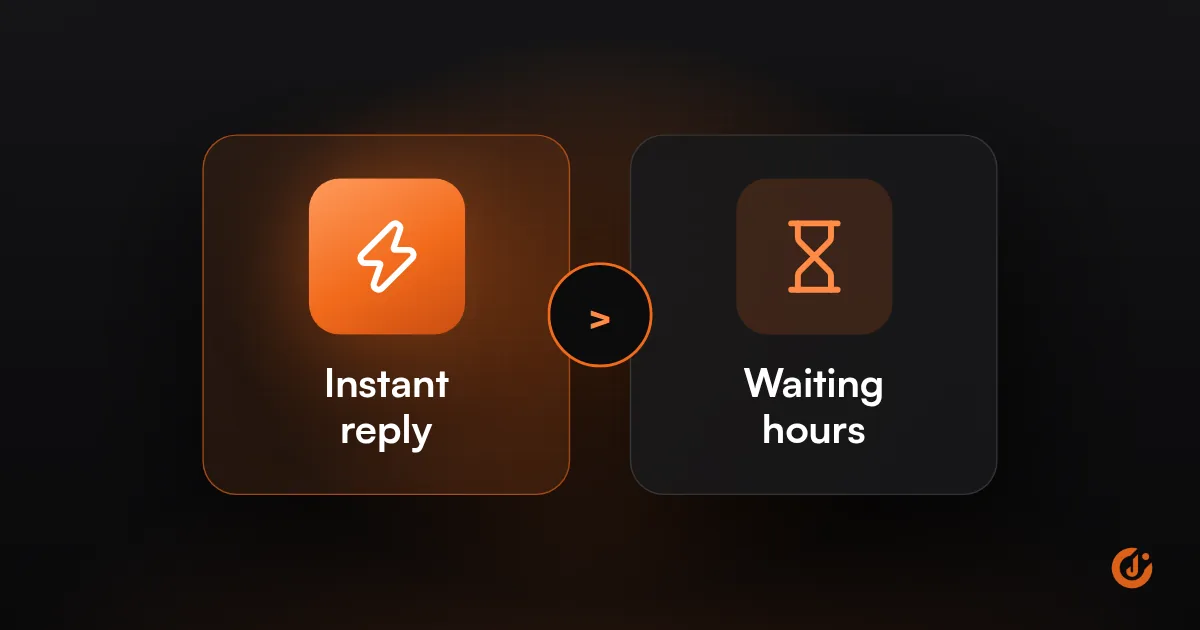
To respond to leads faster, remove the delay between the form and the person who answers. Send every lead to your CRM and phone at once, reply automatically within seconds, route the lead to whoever is free, and cover evenings and weekends with an auto-reply, booking link or answering service.
A slow lead response time is rarely about effort. Your team is not slow; the lead simply takes a long route to reach them. This guide follows that route step by step and shortens each part.
How Quickly Should You Respond to a Lead?
Respond as quickly as you can do so reliably: an automatic acknowledgment within seconds, and a person as soon as one is free during business hours. The right target is one you hit every day, not a number you reach on a good day.
A lead who has just filled in a form is still thinking about the problem, and is often contacting other businesses at the same time. Each hour that passes makes it more likely they have spoken to someone else or moved on. That is the reasoning behind the widely quoted “5 minute rule.” We do not put a statistic on it here; the direction is what matters.
Set two targets and write them down:
- Acknowledgment: automatic, within seconds, at any hour.
- First human contact: a time your team can commit to during open hours, and a clear rule for leads that arrive when you are closed, such as “first task of the next working day.”
Where Does the Delay Come From?
The delay comes from the gaps between systems and people: the lead is captured in one place, noticed in another, and answered by whoever happens to see it. Trace one lead from form to first call and you will usually find one long wait rather than many small ones.
| Stage | What causes the delay | Fix |
|---|---|---|
| Capture | Form emails land in a shared inbox or spam; ad leads stay inside the ad platform | Send every source straight into one CRM or lead list |
| Notification | The alert is an email nobody reads on a job site or in a meeting | Alert by text, app notification or team chat |
| Ownership | Everyone is notified, so no one acts | Assign each lead to one named person automatically |
| Availability | The owner is busy, off shift or on vacation | Round-robin or “first to claim” routing, with a backup |
| Information | The form asked too little, so the first call is spent collecting basics | Ask for the service needed and the best time to call |
| Hours | The lead arrives when you are closed | Auto-reply, booking link, answering cover |
To find your own delay, submit a test lead through each channel and note the time at every stage: when it was submitted, when it appeared in your system, when someone was alerted, and when someone replied. Do it once during the day and once in the evening.
How Do You Get Leads From Your Website and Ads Into One Place?
Connect each lead source directly to your CRM, using a built-in integration where one exists and a workflow tool where it does not. The goal is that no lead depends on someone copying it from one screen to another.
| Lead source | Where leads sit by default | How to send them to your CRM |
|---|---|---|
| Website form | An email to the site owner, or the form plugin’s entries list | Use your CRM’s own form or embed, or connect the form plugin by integration or webhook |
| Facebook and Instagram lead ads | Inside Meta, until downloaded | Connect a CRM integration in Meta’s lead setup, or use a workflow tool |
| Google Ads lead forms | Inside Google Ads, until downloaded | Webhook, Zapier or the Google Ads API; email notifications as a backup |
| Phone calls | Voicemail and call logs | Call tracking or a phone system that creates a CRM record for each call |
| Website chat | The chat tool’s inbox | Chat tool integration that creates or updates the contact |
| Marketplaces and directories | The platform’s own inbox | Email parsing or the platform’s integration, where offered |
How to Send Leads From Your Website to Your CRM
The cleanest route is to use the CRM’s own form on your site, so a submission becomes a contact with no steps in between. If you want to keep your current form, most form tools can pass each entry to a CRM through a native integration or a webhook. Map every field, include the page the lead came from, and send a test entry to confirm it arrives.
How to Connect Facebook Lead Ads to Your CRM
Leads from Meta instant forms never touch your website. They are stored inside Meta, and Meta keeps them available to download only for a limited time. Unless you connect a CRM, someone has to log in and export them, which is where hours and days are lost. Connect your CRM in the lead setup for your Facebook Page, or use a workflow tool such as Zapier or Make to pass each new lead across the moment it is submitted. Then submit a test lead with Meta’s testing tool and check that it lands with the campaign name attached.
Google Ads lead forms work the same way. As of October 2026, Google stores these leads for 60 days and lets you download only the last 30 days as a file, so an automatic connection is safer than relying on downloads. If you run paid campaigns, this plumbing is part of the campaign setup; our Meta Ads and Google Ads teams handle it as standard.
If you have no CRM yet, a shared spreadsheet can receive leads from the same connections while you decide. Do You Need a CRM? covers when to move on from that.
FREE AUTOMATION AUDIT
Find Out Where Your Leads Are Slipping Through
JuvioX reviews how leads reach you, where they wait and what happens next, then sends a prioritized list of what to automate first. Free, with no obligation.
How Do You Set Up Instant Replies and Alerts?
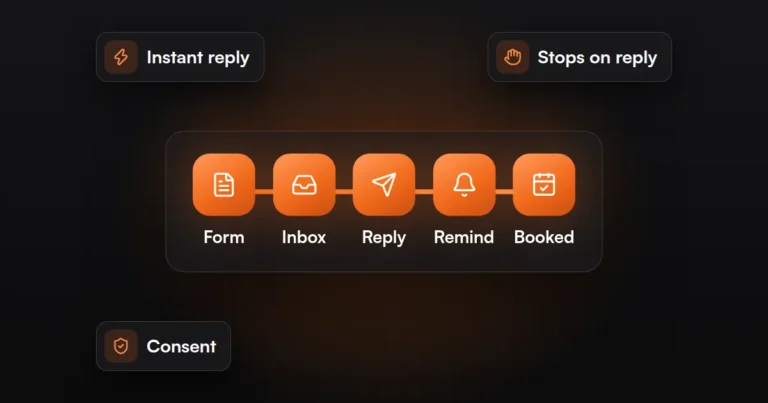
Set up two automatic actions on every new lead: a reply to the lead and an alert to your team. Build them as one workflow in your CRM or in a workflow tool, triggered when the contact is created.
- Choose the trigger. “New contact created” or “form submitted,” covering every source you connected above.
- Write the reply. Keep it to three points: we received your request, here is when you will hear from a person, and here is a link to book a time if you prefer. Send by email, and by text only where the lead has consented to texts.
- Send the alert where people look. A text, an app push notification or a message in your team chat, with the lead’s name, need and phone number. Make the number tappable so the call is one touch away.
- Assign an owner. Route by service, location or availability. For a team, rotate leads in turn or let the first person to claim it take it.
- Add an escalation. If the lead has no logged contact after your target time, alert a second person or a manager.
- Test every source. Submit a lead through each form and ad, and time how long the reply and the alert take.
Two cautions. Automated texts and calls are regulated in the US and rules vary by state, so collect consent on the form and have the setup reviewed by a lawyer; this is not legal advice. And keep the reply truthful: say a person will be in touch, and do not make an automatic message pretend to be one.
This guide covers the first response only. What happens over the following days and weeks is in How to Automate Lead Follow-Up So No Lead Is Missed.
How Do You Cover After Hours?
Cover after hours with an immediate automatic reply, a way for the lead to book or leave details, and a rule that puts overnight leads first in the morning. If your leads are urgent, add live or AI answering.
Losing leads after hours is common in any business whose customers search in the evening: home services, clinics, legal, real estate. The options, from simplest to most involved:
| Option | Works well for | Watch out for |
|---|---|---|
| Auto-reply with opening hours | Any business; the minimum | Tells the lead to wait, so pair it with a booking link |
| Booking link in the reply | Appointments, consultations, estimates | Calendar must show real availability |
| Missed-call text back | Phone-led local businesses | Texting consent rules |
| On-call rotation | Emergency work such as plumbing or lockouts | Staff fatigue; needs a clear handover |
| Answering service | Calls that need a person, such as legal intake | Scripts and handover notes must be kept current |
| AI receptionist or chatbot | High volumes of routine questions and bookings | Disclosure and call recording rules vary by state; give callers a route to a person |
Whichever you choose, add a morning rule: overnight leads appear as the first tasks of the day, oldest first, before any other work.
By business type:
- Emergency home services: missed-call text back plus an on-call rotation, since the lead needs help tonight.
- Clinics and salons: booking link and an AI or human receptionist for routine appointment calls.
- Law firms: answering service for intake, with the inquiry logged for the morning.
- B2B: auto-reply with a calendar link is usually enough, because buyers expect a next-day response.
How Do You Measure Response Time?
Measure response time as the gap between the moment a lead was created and the first logged contact by a person. Your CRM holds both timestamps if calls, emails and texts are logged in it.
- Record a baseline before you change anything, using a week or two of recent leads.
- Look at the middle value and the slowest cases, not the average alone. A few leads that waited days are where the loss is.
- Split by source, by person and by hour of arrival. Evening and weekend leads usually tell a different story.
- Count leads with no contact at all. That number should be zero.
- Review weekly at first, then monthly, and test each form yourself now and then.
If calls and texts happen on personal phones, they will not be logged, and your report will be wrong. Moving conversations into the CRM’s phone and inbox is often the first fix. Our AI & Marketing Automation service sets up the routing, replies and reporting together. The fee is agreed with you in writing before any work starts, and the agreement is month-to-month, not a 3- or 6-month contract.
FREE AUTOMATION AUDIT
Find Out Where Your Leads Are Slipping Through
JuvioX reviews how leads reach you, where they wait and what happens next, then sends a prioritized list of what to automate first. Free, with no obligation.
FAQ
Frequently asked questions
What is the 5 minute rule for leads?
The 5 minute rule is a sales rule of thumb: try to contact a new lead within five minutes of their inquiry. It reflects the idea that interest fades quickly and that the first business to reply has an advantage. Treat it as a direction to aim for, not a guaranteed result.
How quickly should you respond to leads?
Send an automatic acknowledgment within seconds, at any hour, and have a person make contact as soon as one is available during business hours. For leads that arrive when you are closed, make them the first task of the next working day. Pick targets your team can meet consistently.
Does a fast reply really win more sales?
A fast reply improves your chances, because you reach the lead while they are still looking and before they have settled on someone else. It does not replace a good offer or a good conversation. Speed gets you the conversation; what you say in it wins the sale.
Can AI answer leads for you?
Yes, for routine first contact. AI chat and voice assistants can acknowledge a lead, answer common questions, collect details and book an appointment at any hour. Hand over to a person for anything unusual or sensitive, tell people they are dealing with AI where rules require it, and get legal review of your setup.
What about Facebook lead ads?
Leads from Facebook and Instagram lead ads are stored inside Meta, not in your inbox. Connect your CRM to your Facebook Page's lead setup, or use a workflow tool, so each lead is passed across the moment it is submitted. Without that connection, someone has to download them by hand.