On this page
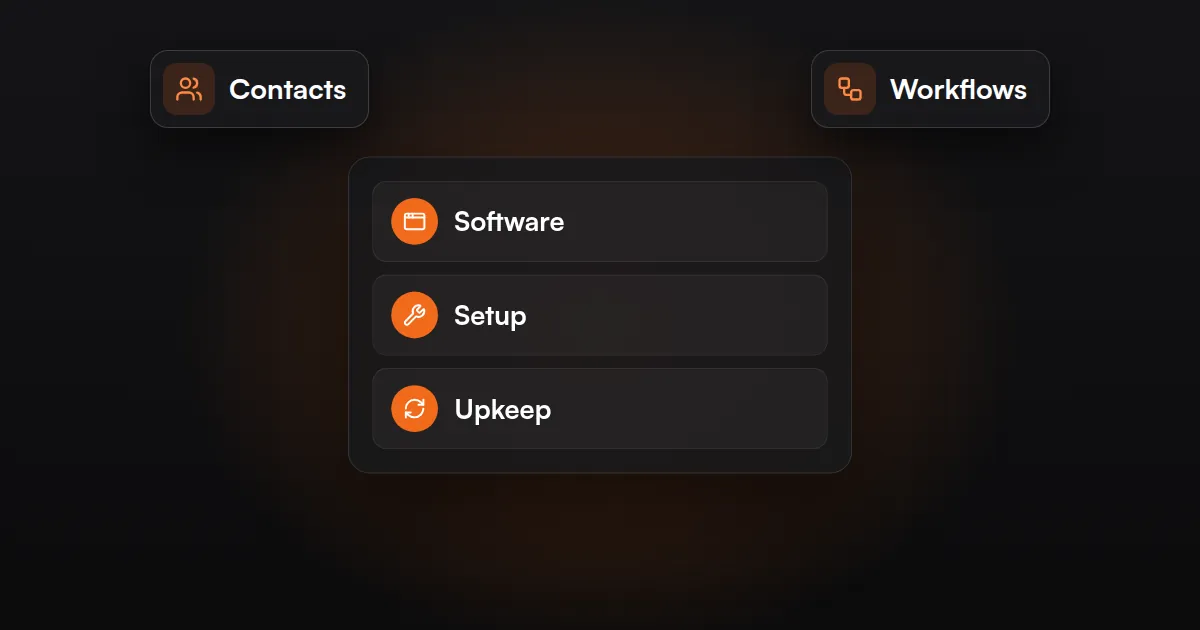
Marketing automation cost has three parts: the software subscription, the one-time setup, and ongoing upkeep. Software is priced by contacts, users or tasks; setup depends on how many workflows and tools are connected. A simple follow-up sequence costs far less than a full CRM and AI build.
That is why a search for “how much does marketing automation cost” returns answers that range from free to thousands of dollars a month. All of them can be correct. The useful question is which of the three parts your business needs, and how much of each.
What Are You Paying For?
You are paying for software to run the automation, someone’s time to build it, and someone’s time to keep it working. The first is a subscription, the second is usually a one-time fee, and the third is monthly.
| Cost part | What it covers | How it is billed | What makes it grow |
|---|---|---|---|
| Software | CRM, email and texting tool, workflow builder, AI usage | Monthly or annual subscription, plus usage fees | More contacts, more users, more tasks, more messages sent |
| Setup | Process mapping, building, connecting tools, testing, handover | One-time fee, or spread across the first months | More workflows, more tools, messy data, custom logic |
| Upkeep | Monitoring, fixing breaks, updating workflows, reporting | Monthly fee or hourly support | More workflows running, frequent process changes |
If you build it yourself, the setup and upkeep parts do not disappear. You pay them in your own hours, which is fine for a simple workflow and expensive for a complex one.
How Is the Software Priced?
Marketing automation software is priced by a meter: the number of contacts you store, the number of users who log in, the number of tasks your workflows run, or a flat fee with usage charges on top. The meter matters more than the entry price, because it decides what happens to your bill as you grow.
The table shows how common tools meter their pricing, taken from each vendor’s own pricing page as of October 2026. Prices and plans change often, so confirm on the vendor’s site before you budget.
| Tool | Main meter | Free option | Entry paid pricing listed |
|---|---|---|---|
| HubSpot Marketing Hub | Seats and marketing contacts | Free tools for up to 2 users | Starter priced per seat; Professional from $800 a month plus a one-time $3,000 onboarding fee |
| GoHighLevel | Flat plan; unlimited contacts and users | 14-day free trial | $97, $297 or $497 a month; texts, calls, email and AI billed by usage |
| Mailchimp | Contacts and email sends | Free plan up to 250 contacts, without automation flows | Essentials from $13 a month, Standard from $20 a month |
| ActiveCampaign | Contacts | 14-day free trial; no free plan | Varies by contact band |
| Zapier | Tasks (each action a workflow completes) | Free plan with 100 tasks a month, two-step workflows only | Professional from $19.99 a month |
| Make | Credits (each module action uses credits) | Free plan with 1,000 credits a month | Core from $12 a month for 10,000 credits |
| n8n | Workflow executions (one run of a whole workflow) | Self-hosted Community Edition | Starter €20 a month, billed annually, for 2,500 executions |
Three things to read from that table:
- Contact-based tools get expensive with list size. A large, mostly inactive list costs the same as an engaged one. Cleaning your list is a pricing decision.
- Task-based tools get expensive with volume and steps. A five-step workflow that runs for every lead uses far more of your allowance than a two-step one.
- Flat pricing moves the cost into usage. An unlimited-contacts plan still charges for every text, call and AI conversation.
The comparison between the two most common all-in-one choices is in HubSpot vs GoHighLevel.
How Much Does AI Automation Cost?
AI automation adds a usage fee on top of the workflow software. AI models are generally billed by the amount of text they read and write, and platforms that bundle AI, such as chat or voice assistants, usually bill it by usage as well. A workflow that uses AI to sort an inquiry costs little per run. An AI assistant that holds full conversations on every call or chat costs more, and the bill rises with volume.
AI steps also add setup and upkeep cost, because they need testing against real cases and checking after launch. Use AI where a fixed rule cannot do the job, and nowhere else.
What Decides the Setup Cost?
Setup cost is decided by how much has to be built and how much has to be untangled first. The number of workflows, the number of tools connected, the state of your data and the amount of custom logic are the main drivers.
| Driver | Lower setup cost | Higher setup cost |
|---|---|---|
| Number of workflows | One follow-up sequence | Lead routing, nurture, reminders, reviews and reporting together |
| Tools to connect | Form and email tool | Website, ads, CRM, phone system, calendar, billing |
| Data | Clean contact list in one place | Duplicates across spreadsheets and old systems that need migrating |
| Logic | Same steps for every lead | Different paths by service, location, lead source or deal size |
| AI | None, or one drafting step | Chat or voice assistant that needs training content and guardrails |
| Process clarity | Steps are already written down | The team does it differently each time |
By business type, the same pattern holds:
- Local service business: a form, a missed-call text back and a call-back task is a small build. Adding scheduling, review requests and an AI receptionist makes it a medium one.
- Online store: welcome and abandoned cart emails in a tool that already reads store data is a small build. Segmentation by purchase history across email and SMS is larger.
- B2B company: a CRM pipeline with lead alerts is modest. Lead scoring, routing across reps and CRM migration is a full project. If you are not sure you need a CRM yet, read Do You Need a CRM? first.
FREE AUTOMATION AUDIT
Find Out Where Your Leads Are Slipping Through
JuvioX reviews how leads reach you, where they wait and what happens next, then sends a prioritized list of what to automate first. Free, with no obligation.
What Does Upkeep Involve?
Upkeep is the work of keeping automations running correctly after launch: watching for errors, fixing breaks, and changing workflows when your business changes. It is the part most quotes leave out and most owners forget to budget for.
In a typical month, upkeep covers:
- Checking error logs and failed runs, and re-running anything that was missed.
- Fixing connections that break when a tool updates, a password changes or a form field is renamed.
- Editing emails, texts and timings as offers, prices and staff change.
- Keeping the contact list clean so you are not paying for dead records.
- Reviewing AI outputs for wrong or off-brand answers.
- Reporting on what the automation did: replies sent, leads routed, bookings made.
If nobody owns this work, automations fail quietly. A form stops sending leads to the CRM and no one notices for weeks. Upkeep is what prevents that.
How Long Does Setup Take?
Setup time follows the same drivers as setup cost. One simple workflow in tools you already use is typically a matter of days, while a full CRM build with data migration and several connected tools is measured in weeks.
If you are searching for how long it takes to set up marketing automation, expect the building itself to be the short part. The time usually goes to:
- Agreeing the process. Deciding exactly what should happen, and who is responsible for each step.
- Access. Getting logins and admin rights for every tool involved.
- Content. Writing and approving the emails and texts. Automated texts and calls are regulated in the US, and rules vary by state, so consent wording should get legal review. This is not legal advice.
- Data cleanup. Merging duplicates and fixing fields before anything is imported.
- Testing. Running real cases through the workflow, including the awkward ones.
Projects run late when steps 1 to 4 wait on the client. Having the process written down and the logins ready is the cheapest way to shorten a build.
How Does JuvioX Charge?
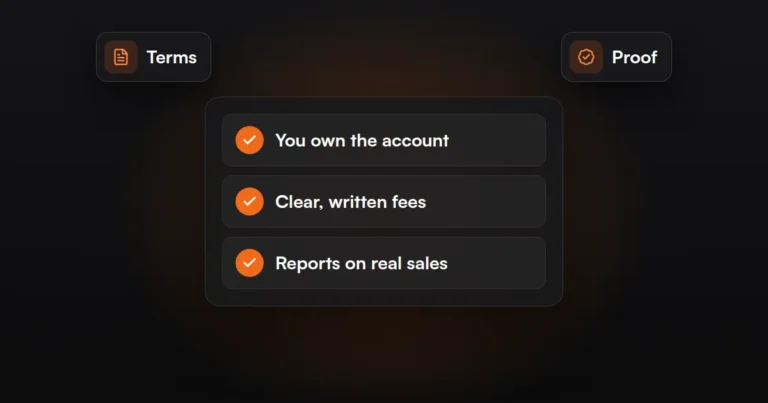
JuvioX agrees its management fee with you in writing before any work starts. The agreement is month-to-month, not a 3- or 6-month contract. Software subscriptions are separate and stay in your own accounts, so you see exactly what each tool costs and keep everything if you leave.
Before any of that, the audit is free. It looks at where leads and tasks are handled by hand today and which one or two workflows would be worth building first. Details are on the AI & Marketing Automation service page.
How Do You Judge a Quote?
Judge a quote by whether it separates the three parts and names what is being built. A single monthly number with no breakdown cannot be compared with anything.
Check each quote for these points:
- Software, setup and upkeep are listed as separate lines.
- Each workflow is named, with its trigger and steps.
- Software is billed to your accounts, at the vendor’s price, with no hidden markup.
- The meter is stated: how many contacts, tasks or messages the quote assumes.
- Usage fees for texts, calls and AI are estimated, not left out.
- Upkeep says what is covered and how fast breaks are fixed.
- The contract length and exit terms are clear, and you keep the build if you cancel.
- It says how results will be measured.
The last point depends on tracking. If form submissions, calls and lead sources are not recorded properly, you cannot tell whether the automation paid for itself; our Tracking & Analytics service covers that groundwork. For screening the agency behind the quote, see Are AI Automation Agencies Legit? How to Tell
FREE AUTOMATION AUDIT
Find Out Where Your Leads Are Slipping Through
JuvioX reviews how leads reach you, where they wait and what happens next, then sends a prioritized list of what to automate first. Free, with no obligation.
FAQ
Frequently asked questions
How expensive is automation?
It ranges from free to thousands of dollars a month, depending on how much you automate. A single workflow on a free or entry-level plan costs very little in software. A full CRM, multi-channel messaging and AI build costs much more in all three parts: software, setup and upkeep.
What is the best marketing automation platform?
There is no single best platform. The right one depends on how you sell, how many contacts you hold, which tools it must connect to, and which pricing meter suits your growth. HubSpot, GoHighLevel, ActiveCampaign and Mailchimp suit different businesses, so shortlist two and test them with real leads.
Can you start small?
Yes, and it is usually the better approach. Pick one high-volume task, such as replying to new leads, and automate only that. Software, setup and upkeep all stay low, and the result tells you whether to build the next workflow.
Are there free tools?
Yes. As of October 2026, Zapier and Make both list free plans with monthly usage limits, HubSpot lists free tools for up to two users, Mailchimp lists a free plan for small lists without automation flows, and n8n offers a self-hosted Community Edition. Free plans are useful for testing, but limits are reached quickly in daily use.
When does it pay back?
It pays back when the value of what it saves or recovers is higher than its monthly cost. Add up the hours of manual work removed and the leads that no longer go unanswered, then compare that with software plus upkeep. High-volume, repeat tasks pay back soonest; rare tasks may never do.