On this page
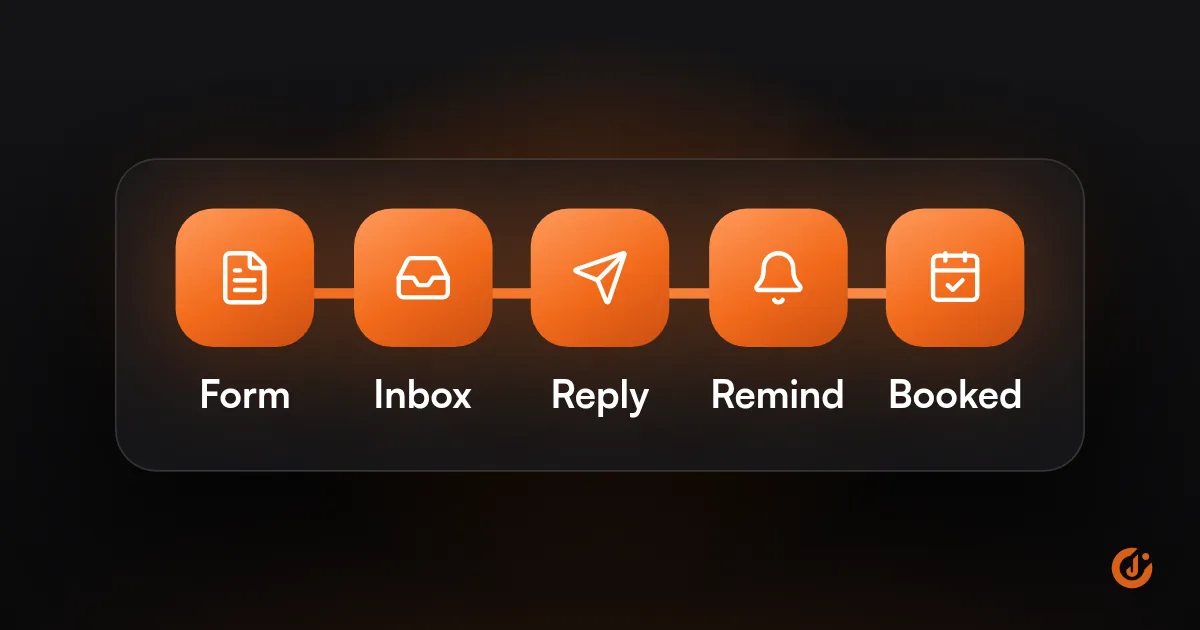
To automate lead follow-up, send every new lead into one place, reply instantly with a text or email, create a task or reminder for a person to call, and run a short nurture sequence for leads who do not respond. Automation should handle speed and reminders; a person should handle the conversation.
Most businesses do not lose leads because their follow-up is bad. They lose them because follow-up depends on someone remembering, and that person is on a job, in a meeting or off for the weekend. The fix is to make the system remember.
Why Do Leads Fall Through the Cracks?
Leads fall through the cracks because they arrive in several places and nobody owns the next step. The lead is not ignored on purpose; it is sitting somewhere no one is looking.
When leads are not being followed up, the cause is usually one of these:
| Where it breaks | What it looks like |
|---|---|
| Too many inboxes | Website forms go to one email, Facebook leads sit in Meta, calls go to voicemail, and chat messages go to whoever is logged in. |
| No owner | Everyone sees the notification, so everyone assumes someone else replied. |
| No second attempt | The first call goes unanswered and there is no reminder to try again. |
| After hours | A lead arrives on Friday evening and is first seen on Monday. |
| “Not ready yet” | The lead says to check back next month, and no one writes it down. |
| No record | Notes live in a notebook or a rep’s head, so nobody can tell who was contacted. |
Every row is a missing handoff, and handoffs are what automation is good at. The same gaps show up in sales follow-up, where a quote goes out and nobody chases it, and in customer follow-up, where a job is finished and nobody asks for a review or a repeat booking.
What Should Happen the Moment a Lead Arrives?
The moment a lead arrives, four things should happen without anyone touching a keyboard: the lead is recorded, the lead gets a reply, a person is alerted, and a call-back task is created with a deadline.
- Record it. The form, ad, call or chat creates a contact in your CRM or lead list, with the source attached. If the contact already exists, the new inquiry is added to it.
- Reply to the lead. A text or email goes out within seconds: who you are, that you received the request, when a person will be in touch, and a booking link if you use one.
- Alert a person. The right team member gets a notification with the lead’s details where they will see it: phone, chat app or CRM.
- Create a task. A call-back task is assigned to a named person with a due time. If it is not completed, a reminder goes out and then a manager is told.
- Start the clock. If the lead has not replied or booked after your first attempts, the nurture sequence begins.
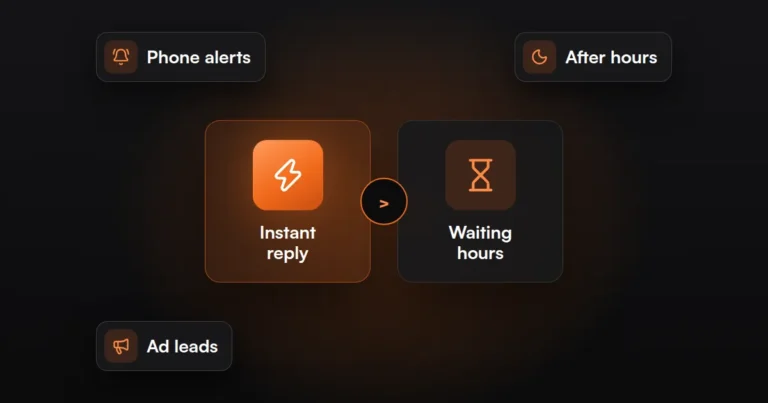
The instant reply is there to acknowledge the lead and buy your team time. It does not replace the call. Getting to the lead quickly matters enough to have its own guide: How to Respond to Leads Faster.
How this looks by business type:
- Home services: a missed call sends a text back with a booking link, and dispatch gets a call-back task.
- Clinic or law firm: an intake form sends a confirmation, routes the inquiry by type, and assigns it to the front desk or intake coordinator.
- B2B: a demo request sends a calendar link, assigns the lead to a rep by territory, and posts it in the sales channel.
- Online store: a wholesale or quote request creates a contact and assigns it to an account manager, separate from normal order emails.
What Should Be Automated and What Should Stay Human?
Automate anything that depends on timing or memory, and keep anything that depends on judgment with a person. A lead can tell the difference between a quick acknowledgment and a conversation, and expects a person for the second.
| Automate | Keep human |
|---|---|
| Capturing the lead and its source | The first real conversation |
| The instant acknowledgment | Answering specific questions about price or fit |
| Alerts, task creation and reminders | Quotes and proposals |
| Assigning the lead to a person | Deciding a lead is not a fit |
| Appointment confirmations and reminders | Handling complaints or sensitive inquiries |
| Check-ins with leads who have gone quiet | Negotiating and closing |
| Updating the lead’s status | Anything the lead asked a person to do |
Two rules keep automation from embarrassing you. First, every sequence stops when the lead replies, books or buys, so nobody gets a “still interested?” email an hour after signing. Second, messages should sound like your business and say plainly what happens next, without pretending a person typed them.
FREE AUTOMATION AUDIT
Find Out Where Your Leads Are Slipping Through
JuvioX reviews how leads reach you, where they wait and what happens next, then sends a prioritized list of what to automate first. Free, with no obligation.
What Is Lead Nurturing, and What Is a Drip Campaign?
Lead nurturing is staying in useful contact with a lead who is not ready to buy yet, until they are. An email drip campaign is the most common way to do it: a pre-written series of emails sent on a schedule after a trigger, such as a form submission.
The two terms overlap. Nurturing is the goal; a drip campaign is one tool for it. Lead nurturing automation means the series starts, pauses and stops by itself based on what the lead does.
A simple sequence for a lead who inquired but did not respond could look like this. Treat the timing as an example to adjust, not a rule:
| When | Channel | Message |
|---|---|---|
| Day 0 | Text or email | Acknowledgment and booking link (the instant reply) |
| Day 1 | Call task, then email | A person calls; if no answer, a short email offering two times to talk |
| Day 3 | One useful thing: an answer to the most common question, or what to expect on a first visit | |
| Day 7 | Email or text | A plain check-in asking whether they still need help |
| Day 14 | Proof that fits their inquiry, such as a relevant example of your work | |
| Day 30 | A last note saying you will stop here, with an easy way to get back in touch |
Keep each message short and about the lead’s problem. Stop the sequence when they reply. After the last message, move them to your regular newsletter only if they agreed to receive it.
The same structure works after a sale. To automate customer follow-up, swap the trigger from “new inquiry” to “job completed” or “order delivered,” and the messages to a thank-you, a review request and a reminder when the next service is due.
A note on rules: automated texts and calls in the US are regulated under the TCPA, and marketing email under CAN-SPAM, with state rules on top. You need the lead’s consent for automated texts, and every message needs a way to opt out. Have your forms and messages reviewed by a lawyer before launch. This is not legal advice.
Which Tools Do You Need?
You need four things: a place to store leads, a way to send messages, something to connect your lead sources, and a task or reminder system. One all-in-one platform can cover all four, or you can connect separate tools.
| Need | What does the job | Examples |
|---|---|---|
| Store leads and status | A CRM, or a shared spreadsheet at very low volume | HubSpot, GoHighLevel, or a simpler CRM |
| Send emails and texts | The CRM’s own messaging, or an email and SMS tool | ActiveCampaign, Mailchimp, the CRM’s built-in tools |
| Connect lead sources | Native integrations, or a workflow tool | Zapier, Make, n8n |
| Tasks and reminders | CRM tasks, or alerts in a chat app | CRM task queue, Slack or Teams alerts |
| Booking | A calendar link in the first reply | The CRM’s calendar or a scheduling tool |
Pick the smallest setup that closes your gaps. If you already have a CRM, start there before adding anything. For what the whole setup is likely to cost, see How Much Does Marketing Automation Cost?
If you would rather have it built and maintained for you, that is what our AI & Marketing Automation service does.
How Do You Know It Is Working?
You know it is working when every lead has a recorded first response, a named owner and a next step, and you can see those three things in one report.
Check these weekly for the first month, then monthly:
- Leads with no response: this should be zero. Any lead without a logged reply is a break in the workflow.
- Time to first human contact: measured from when the lead arrived to the first call or personal reply.
- Overdue tasks: call-back tasks past their due time, by person.
- Contact rate: the share of leads you actually spoke to.
- Booked or quoted rate: the share of leads that reached the next stage.
- Sequence exits: how many leads replied or booked during the nurture sequence, and how many unsubscribed.
- Failed runs: errors in the automation itself, such as a form that stopped sending.
Compare by lead source as well. If leads from Google Ads book at a different rate from Facebook leads, that changes where your budget should go. That only works when the source is captured correctly on every lead, which is a tracking job; our Tracking & Analytics service covers it.
Then test it like a customer. Submit your own form on a Saturday night and see what arrives, and when.
FREE AUTOMATION AUDIT
Find Out Where Your Leads Are Slipping Through
JuvioX reviews how leads reach you, where they wait and what happens next, then sends a prioritized list of what to automate first. Free, with no obligation.
FAQ
Frequently asked questions
What is the 5 minute rule for leads?
The 5 minute rule is a sales rule of thumb that says you should contact a new lead within five minutes of the inquiry, while they are still thinking about it. We do not quote a figure for how much it changes results, but the principle holds: a fast reply beats a slow one.
What is the best way to follow up with a lead?
Reply right away to confirm you received the inquiry, then have a person call or write personally soon after. If there is no answer, try again on a different day and channel, add something useful each time, and make it easy to book. Stop when they reply or ask you to.
How many follow-ups are too many?
There is no fixed number. A short series spread over a few weeks is reasonable for someone who asked you for information. It becomes too many when messages repeat the same ask, arrive daily, or continue after the lead has replied, bought or opted out. End with a clear last message.
Can you automate texts?
Yes. Most CRMs and texting tools can send an automatic text when a form is submitted or a call is missed. In the US, automated texts are regulated under the TCPA and state laws, so you need the lead's consent and an opt-out in place. Have a lawyer review your setup first.
Do you need a CRM first?
Not always. At low volume, a form connected to a shared spreadsheet, an auto-reply and a phone alert can work. Once more than one person handles leads, or you want tasks, reminders and a nurture sequence, a CRM becomes the practical base for all of it.